VOCA is an introduction project to empower people to learn new vocabulary
My role:
UX Research
UX Design
Timeline:
June – July 2020
Methodology:
- User Research
- User Stories & Personas
- User Flows
- Low-Mid Fidelity Mockups
- Wireframing
- High Fidelity Mockups
Tools used:
- Sketch
Overview
This introductory project explores how UX design principles can be applied to create an engaging vocabulary learning experience.
The goal was to design a mobile app that helps users learn new vocabulary in a simple, motivating and accessible way, particularly while on the move.
Key points:
- Engaging people in an educational activity that involves vocabulary learning
- A tool for people to use while they are on their travels
- App that is easy to use and motivates users to stay active
The Problem
Learning a new language can often feel overwhelming. Many learners quickly lose motivation when the process becomes too difficult or repetitive.
How might we design a mobile app that helps users learn vocabulary in a way that is both engaging and easy to maintain over time?
The Solution
The solution was to design a simple, intuitive app that removes unnecessary complexity and keeps users motivated through interaction and reward.
By incorporating game-like elements and a clear progression system, the app encourages consistent use and makes learning feel more enjoyable.
The Process
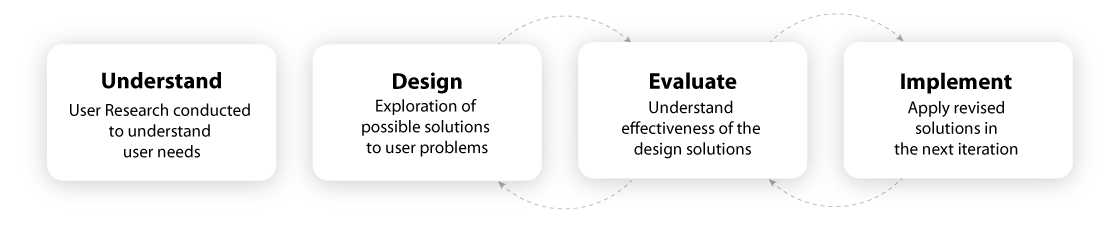
Competitive Analysis
To better understand the market, I analysed three existing vocabulary apps: Vocabulary Builder, Memrise and Quizlet.
This helped identify common patterns, strengths and gaps in current solutions, providing direction for my own design decisions.
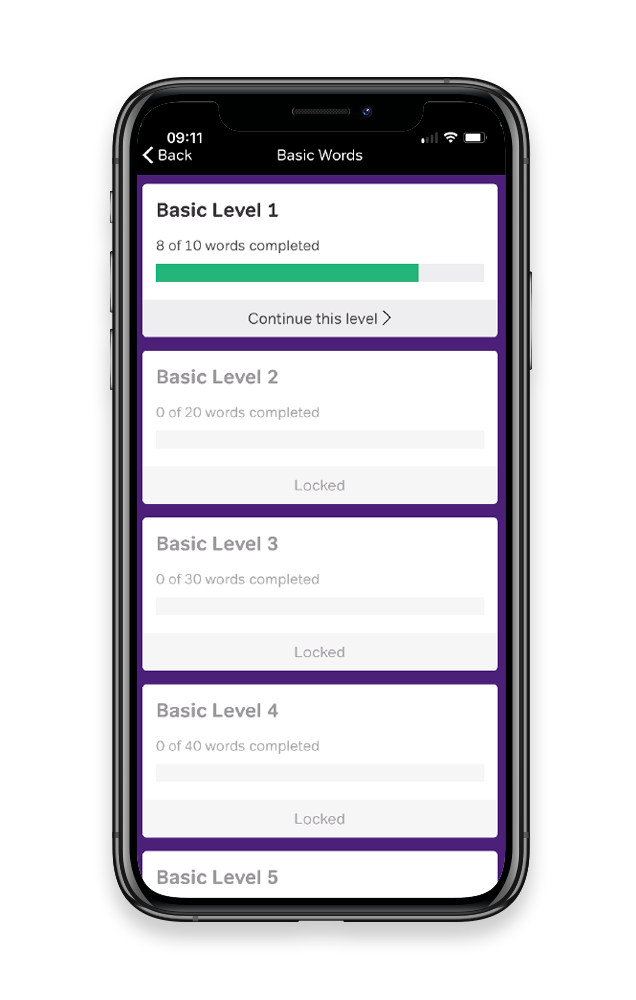
Magoosh
SWOT Profile
Strengths
- Easy to navigate
- Easy sign-up process & optional
- Carry over learning on the web
Weaknesses
- It needs imagery as it looks bland
- Limited options what you can do
- Repetitive words, even if you got the correct answer
- Playing an opponent feature was not great
Opportunities
- The simplistic model works well
- Create an app with more colour and visuals
Threats
- 4.7 rating, it’s been on the market for a long time, but no real threat
SWOT Profile
Strengths
- Nice modern look
- Easy setup
- The human connection with the video looked great
- Paid subscription app, but not bombarded with signing up
Weaknesses
- No online presents, mobile version only
- Limited options what you can do
- Icons can be hard to understand
Opportunities
- Like the vibrant colours and simplistic look
- Easy to use and set up
- The human connection gives the user a better learning experience, shown in their natural environment
Threats
- 4.7 rating, they have overall positive feedback on the app download page. Established for a long time
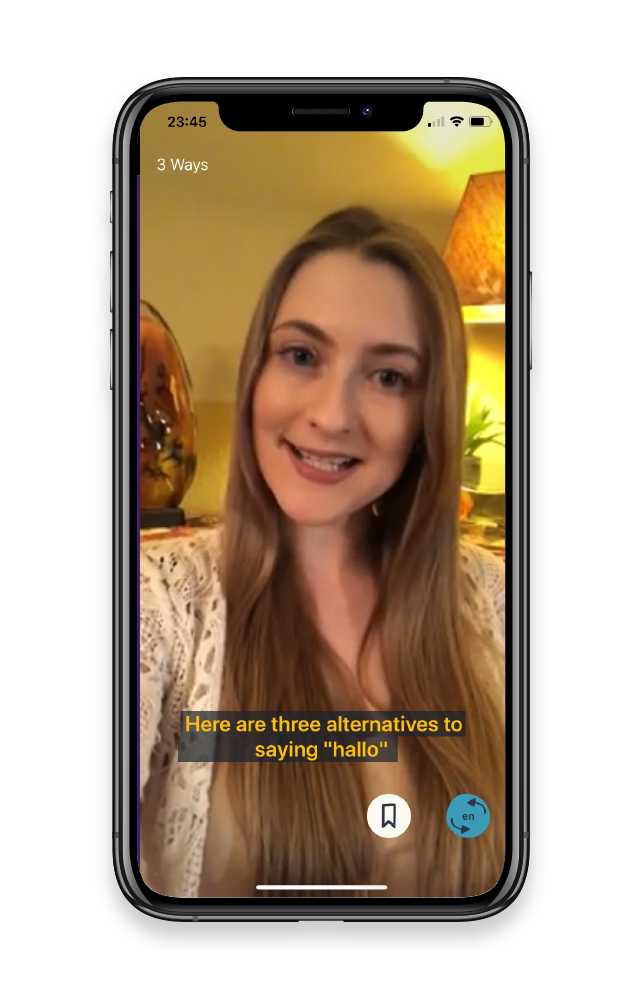
Memrise
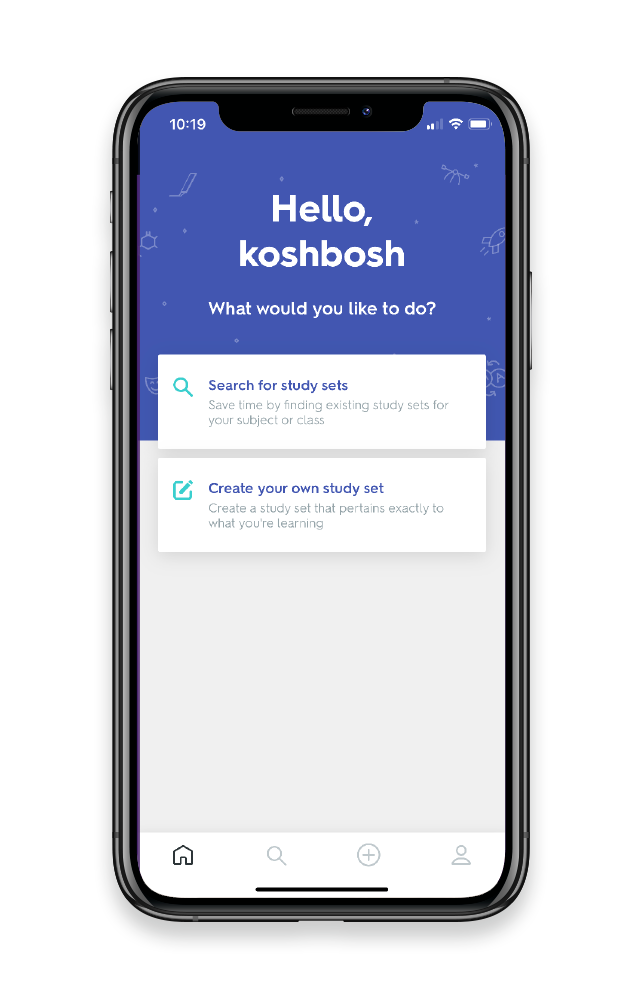
Quizlet Flashcards
SWOT Profile
Strengths
- Quick and easy to use
- Personalization with the user’s name is a great way to connect
- Different options for the learning experience
- Option to invite friends or a teacher for a collaborative approach
Weaknesses
- The sign up process was not user-friendly
- Too many customizable options
- Pictures can do with being consistent
- Some of the images were nonrelated to the subject matter
Opportunities
- Variety of options to learn was a good method
- Sharing option was a good feature for collaborative learning
- Opportunity to build a study partner option
Threats
- 4.7 rating on the app store: overall good reviews. They have been around for a long time
User Interviews
I conducted user interviews with participants to gain a better understanding of how they learn. I wanted to understand their needs and wants so that I could incorporate these into my app design.
See the slide deck below. Use the left and right arrows to scroll through the interviews I conducted.
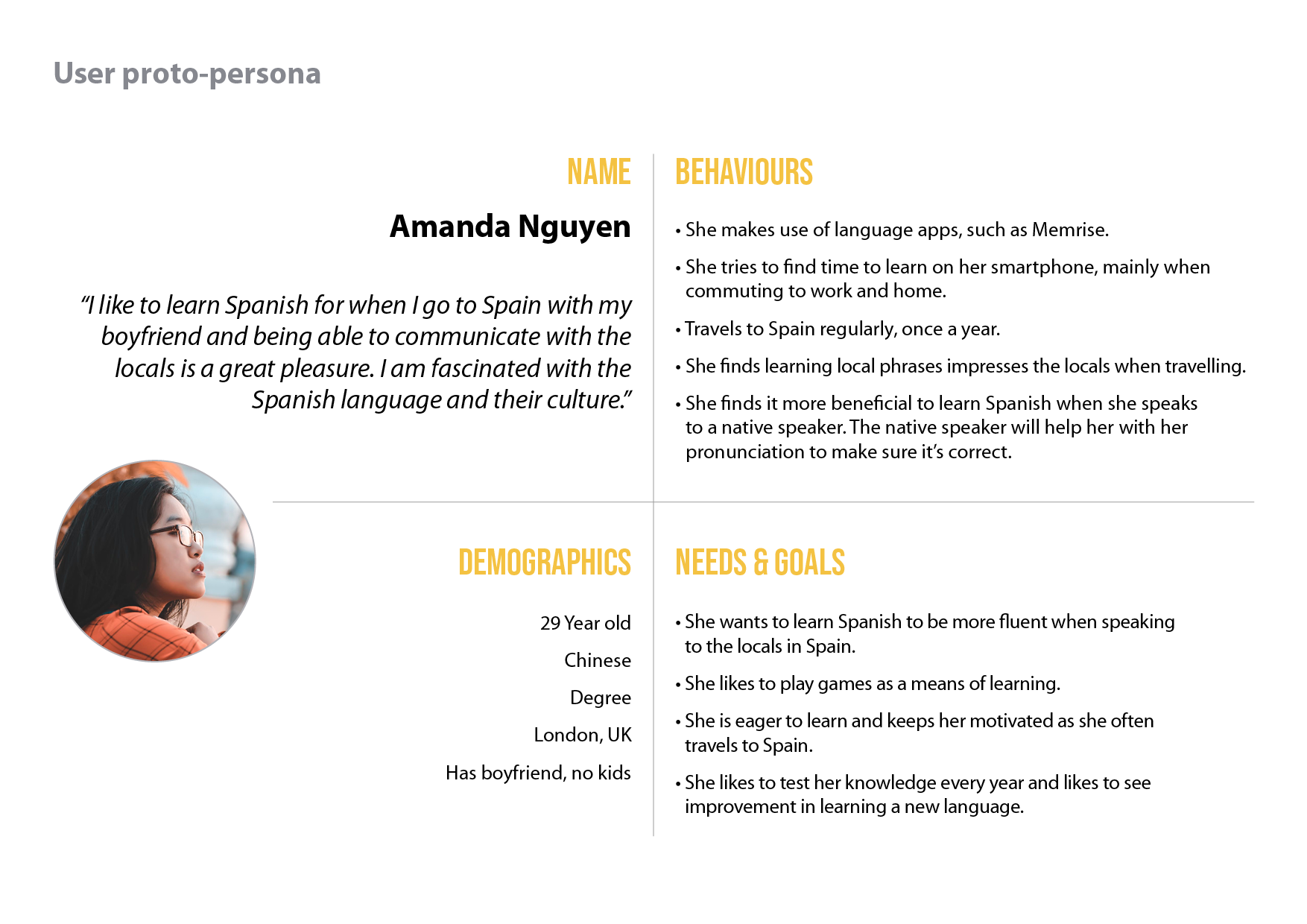
User Proto-Persona
To better understand user behaviours and goals, I created a persona based on my research to provide context for the project. As the project was completed within a short timeframe, I developed a proto-persona to highlight the key information.
User Stories
- As I frequently travel to Spain, I want to increase my knowledge, so that I can have a conversation in Spanish
- As I play games, I tend to learn more and I want to be able to put the words into context, so that I can learn by doing
- As I learn more every year, I want to impress the locals with my Spanish, so that it puts a smile on their faces
- As I like to use transport in Spain, I want to stop and ask for directions in Spanish, so that I understand where I need to go
Job Stories
- When I am traveling on the train to work, I want to use my time to learn Spanish, so that it makes my journey less painful
- When I play games with my boyfriend, I want to learn more to keep myself motivated, so that I can put my learning into practice
- When I get the emails and notifications on my phone, I want to learn more, so that keeps me motivated
- When I meet a native speaker, I want to know more about their culture, so I love meeting Spanish people
Problem Statement
Amanda lives in London and enjoys the hustle and bustle of city life. However, she struggles to find time for other activities. Her daily commute on the London Underground is often the only time she has to herself. She would like to take Spanish lessons in a classroom environment, but by the time she gets home from work, it is too late.
Hypothesis Statement
I believe that creating an interactive app with games and short goals will keep Amanda engaged and interested during her commute. The app will also make the journey more enjoyable, allowing her to learn while making use of her time. With consistent practice and motivational techniques, such as email and in-app notifications, the app will help her improve her language skills.
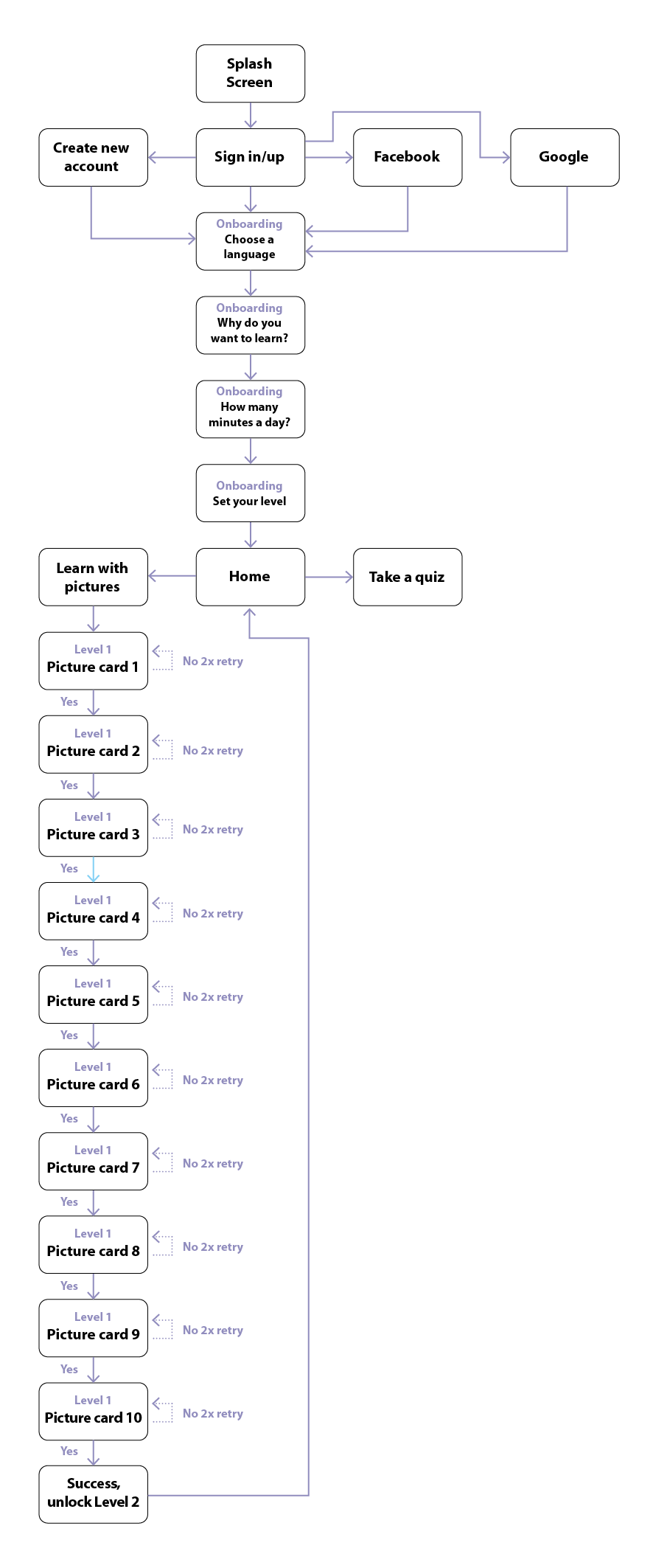
Information Achitecture
Task Analysis 1: learning with pictures
Entry Point: Open app
- Log in, create a new account or use social media
- Onboarding screens
- Home, select option
- Learn with pictures
- View the short animation
- Select matching picture
- Go through 10 questions
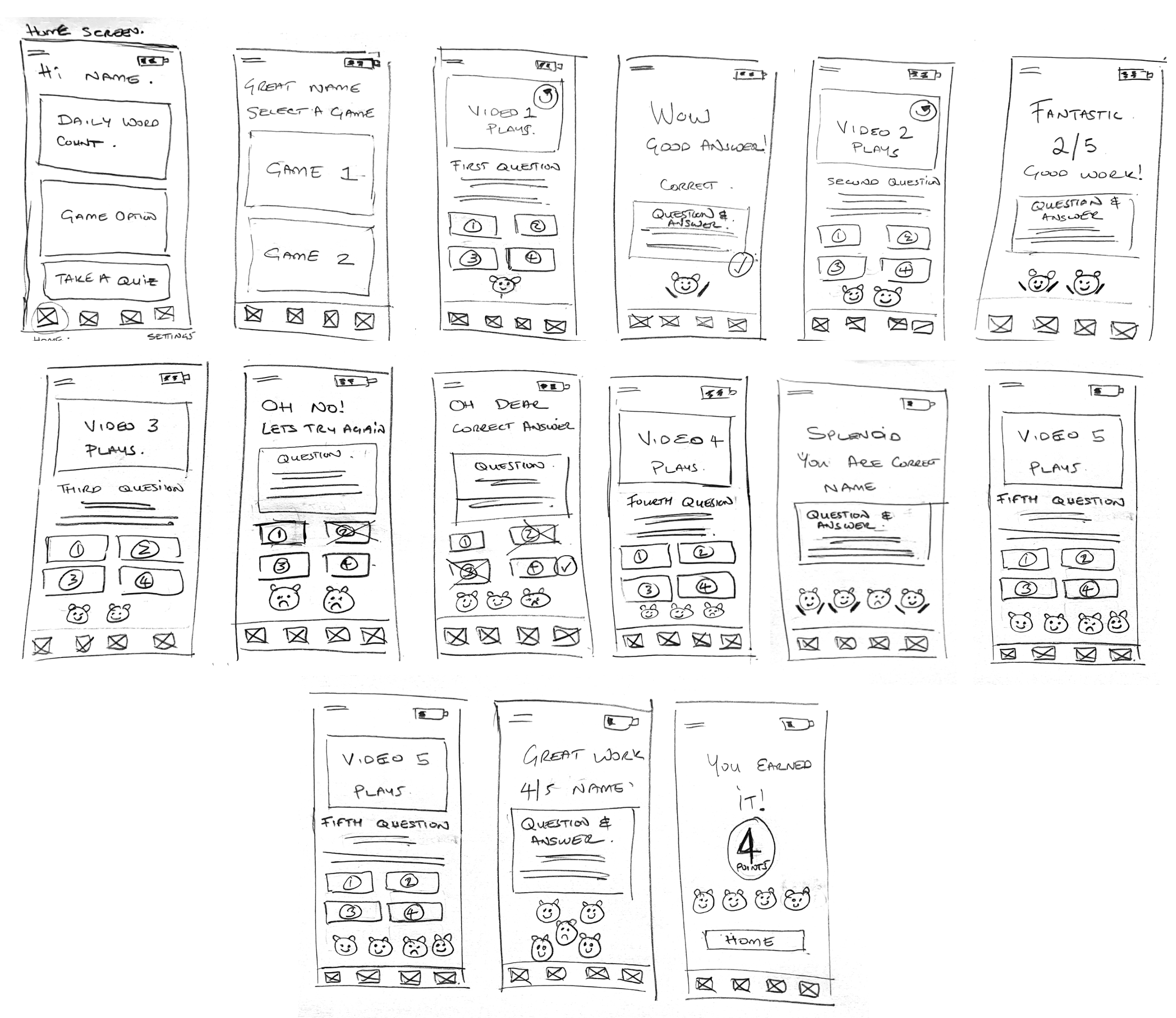
Wireframing & prototyping
This was my first time creating wireframes in my UX journey. The objective at this stage was to produce rapid sketches without focusing too much on finer details. The goal was to get initial ideas down on paper and refine them later.
Mid-fidelity Mockup and Prototype
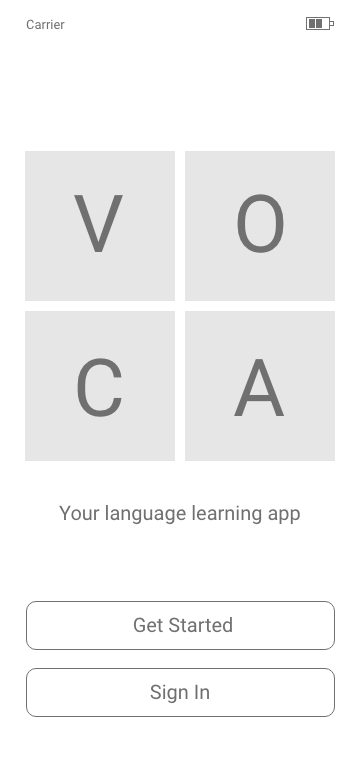
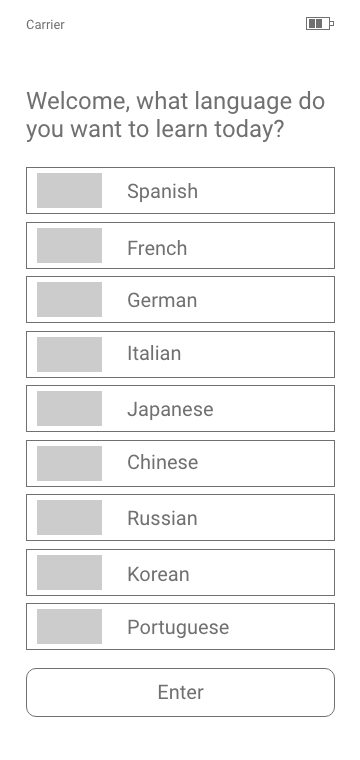
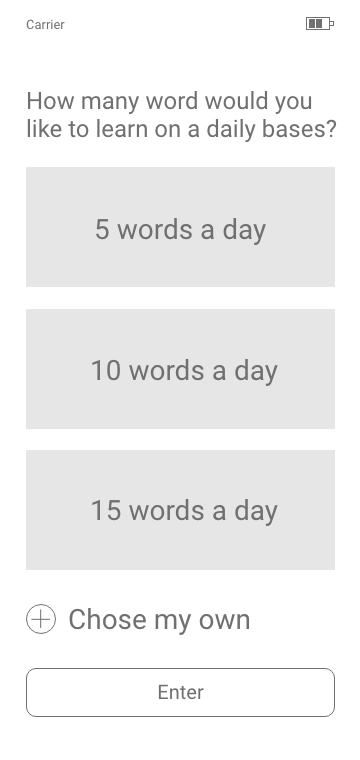
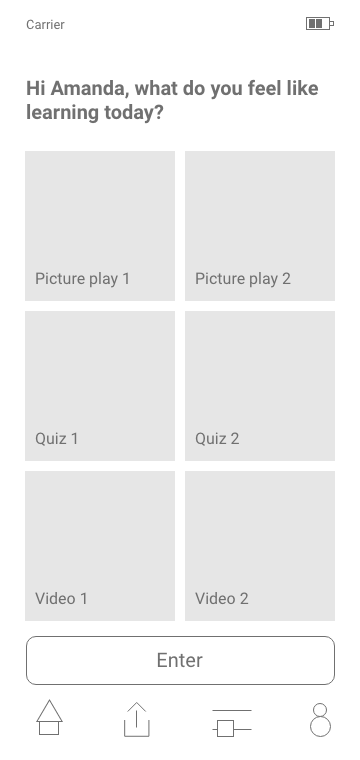
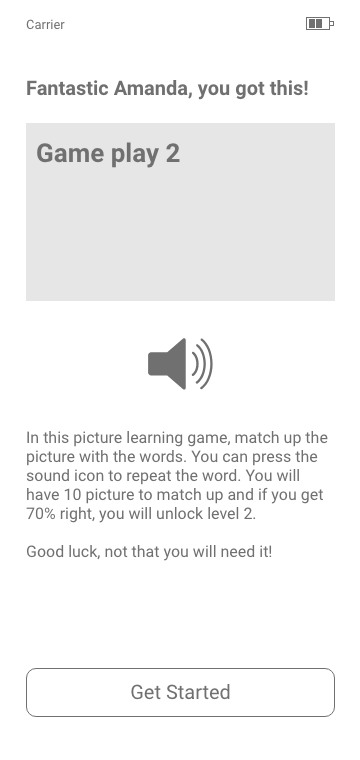
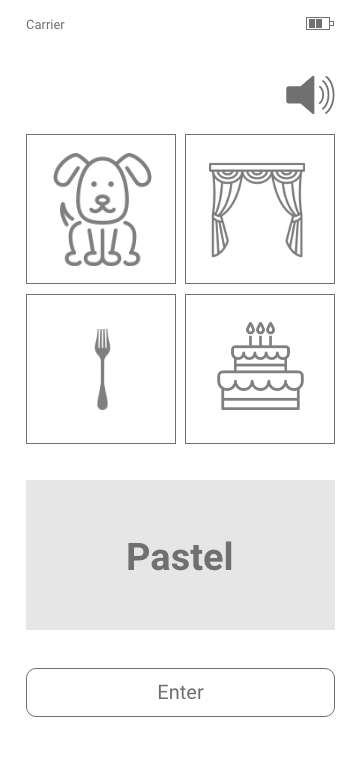
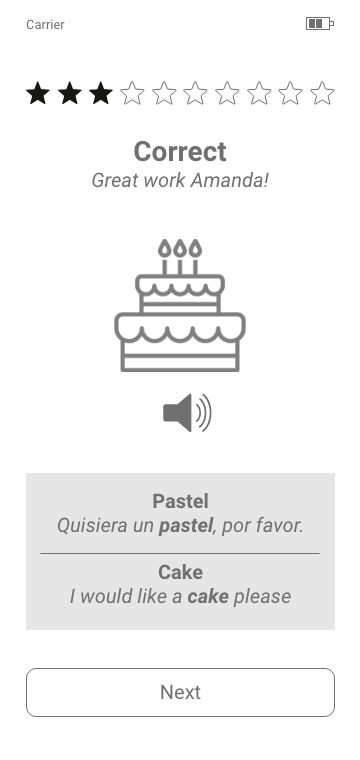
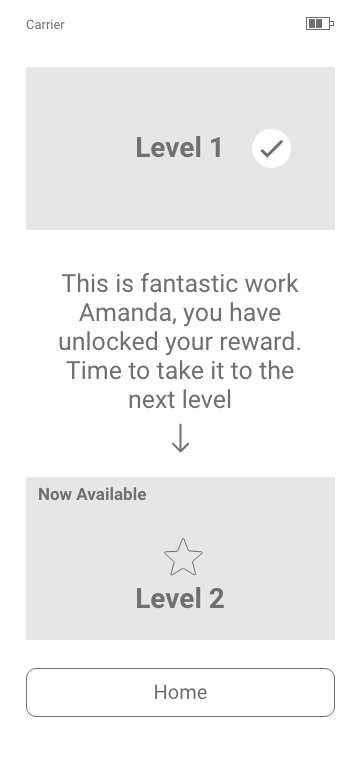
I turned my sketches into mid-fidelity wireframes and uploaded them to an online platform called Marvel. I then conducted user testing sessions with friends to evaluate the prototype. I wanted testers to focus on the interactions, which is why I presented the prototype in greyscale.
Below are some of the mid-fidelity mockups I used to test with users.
Usability Testing
I created this report based on user testing of the prototype. I used Jakob Nielsen’s Five Components of Usability as a metric scale. This scale ranges from 0 to 4, where 0 represents minor issues and 4 indicates critical problems that require immediate attention.
Use the left and right arrows to view the report.
Hi-fidelity Mockup
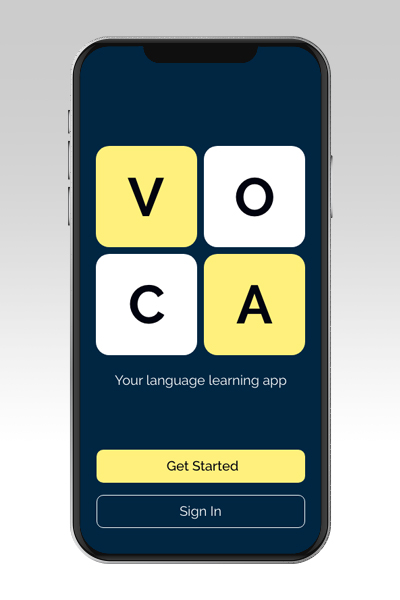
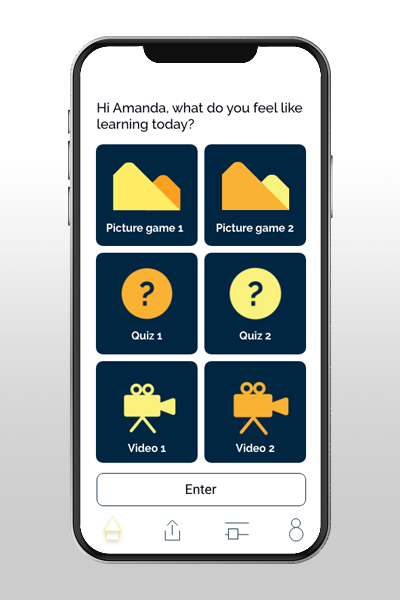
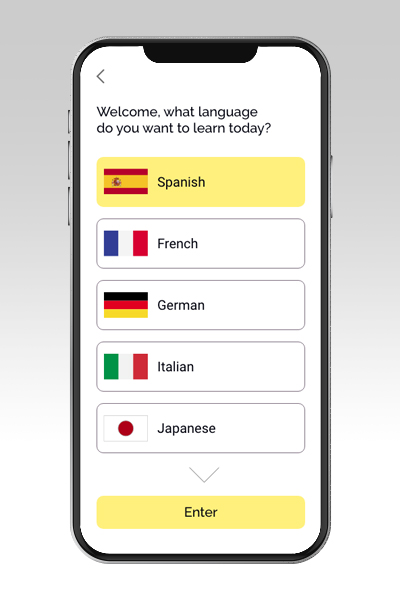
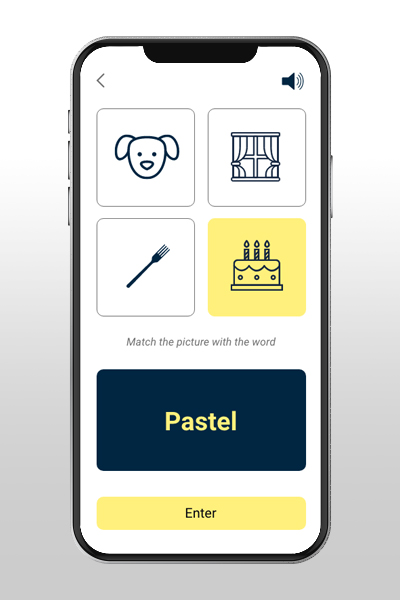
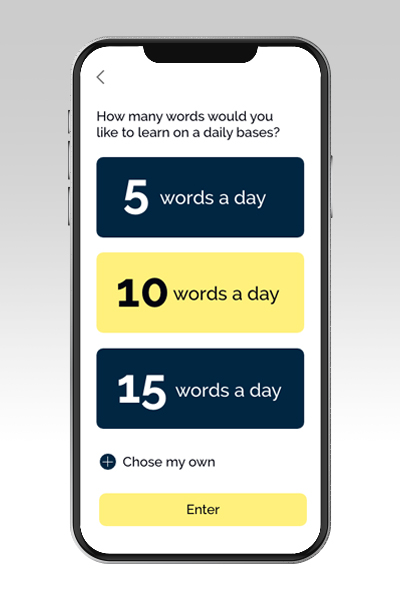
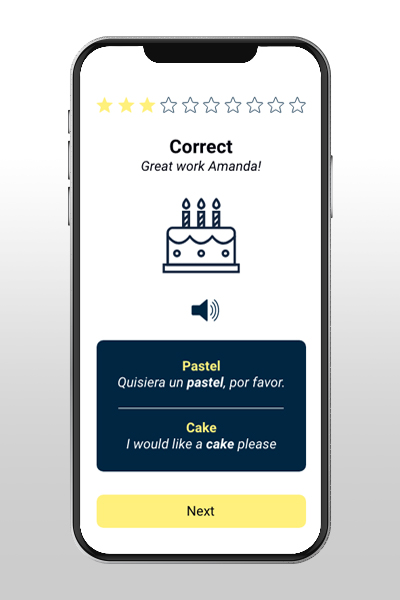
I further developed the project by designing high-fidelity mockup screens, providing a clear sense of the app’s look and feel.
Learning & Future Development
This introductory project gave me insight into how to focus on user-centred design. I was particularly interested in the development process across various stages, including market research, persona creation and user testing. These were crucial steps in understanding users’ needs and goals which in turn helped me validate my design decisions.
Further steps:
If I had more time for this project, I would further develop the app by:
- New functions: Expanding the app’s functionality to provide users with a wider range of features
- Brand: Developing a stronger brand identity and design language
- Testing: Conducting additional user testing to further validate and refine the app